1Accessing the webmail
Go to webmail.dinao.com and sign in with the email address and password of your mailbox.
Do not confuse them with your DINAO client area credentials: these are two different accounts.
Good to knowThe screenshots show the webmail in French. The labels in brackets are those visible on the screenshots; in your webmail they appear in the language you have chosen (guide no. 1).
2Step by step
1
Open the settings
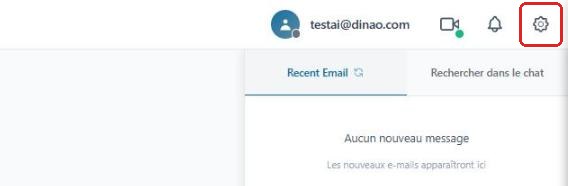
Once logged in, click the gearengrenage icon at the top right.
2
Open the advanced settings
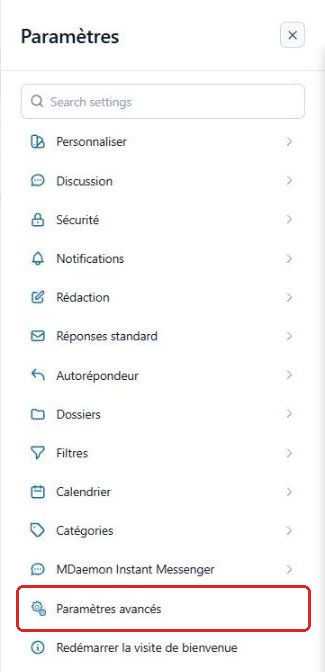
In the SettingsParamètres menu, click “Advanced Settings”Paramètres avancés.
A new “MDaemon Remote Administration”Administration de MDaemon tab opens in your browser: you are already logged in with your email account.
3
Open the “IMAP Filters” tab
Click My AccountMon compte, then the “IMAP Filters”Filtres IMAP tab.

4
Manage the filters
Use NewNouveau, EditModifier or DeleteSuppression to manage a filter, and UpMonter / DownDescendre to change the order in which they are applied.

“Delete all” also erases the default antispam filter: do not use it.
3Good to know
To create a filter easily, use the webmail instead: see the guide “Create an email sorting filter”.
4Need help?
Open a ticket from your DINAO client area, stating the guide number and the step where you stopped.